
You launched your website, popped the champagne, and called it a day. Maybe you update a blog post here and there, but honestly? Your site’s basically on autopilot.
Here’s the thing: a website isn’t a “set it and forget it” project. It’s more like a car, skip the oil changes and tune-ups, and eventually, you’re stranded on the side of the digital highway. The good news? Most website maintenance mistakes are easy to fix once you know what to look for.
Let’s walk through the seven biggest slip-ups small business owners make with website maintenance, and more importantly, how to turn things around before something breaks (or gets hacked).
1. You’re Not Updating Your WordPress Core, Plugins, or Themes
See that little red notification badge in your WordPress dashboard? The one you’ve been ignoring for three months? Yeah, that’s a problem.
Why it matters: Every time WordPress releases an update, it’s usually patching a security vulnerability or fixing a bug. Same goes for your plugins and themes. When you skip updates, you’re basically leaving your front door unlocked with a neon “Welcome, Hackers!” sign.
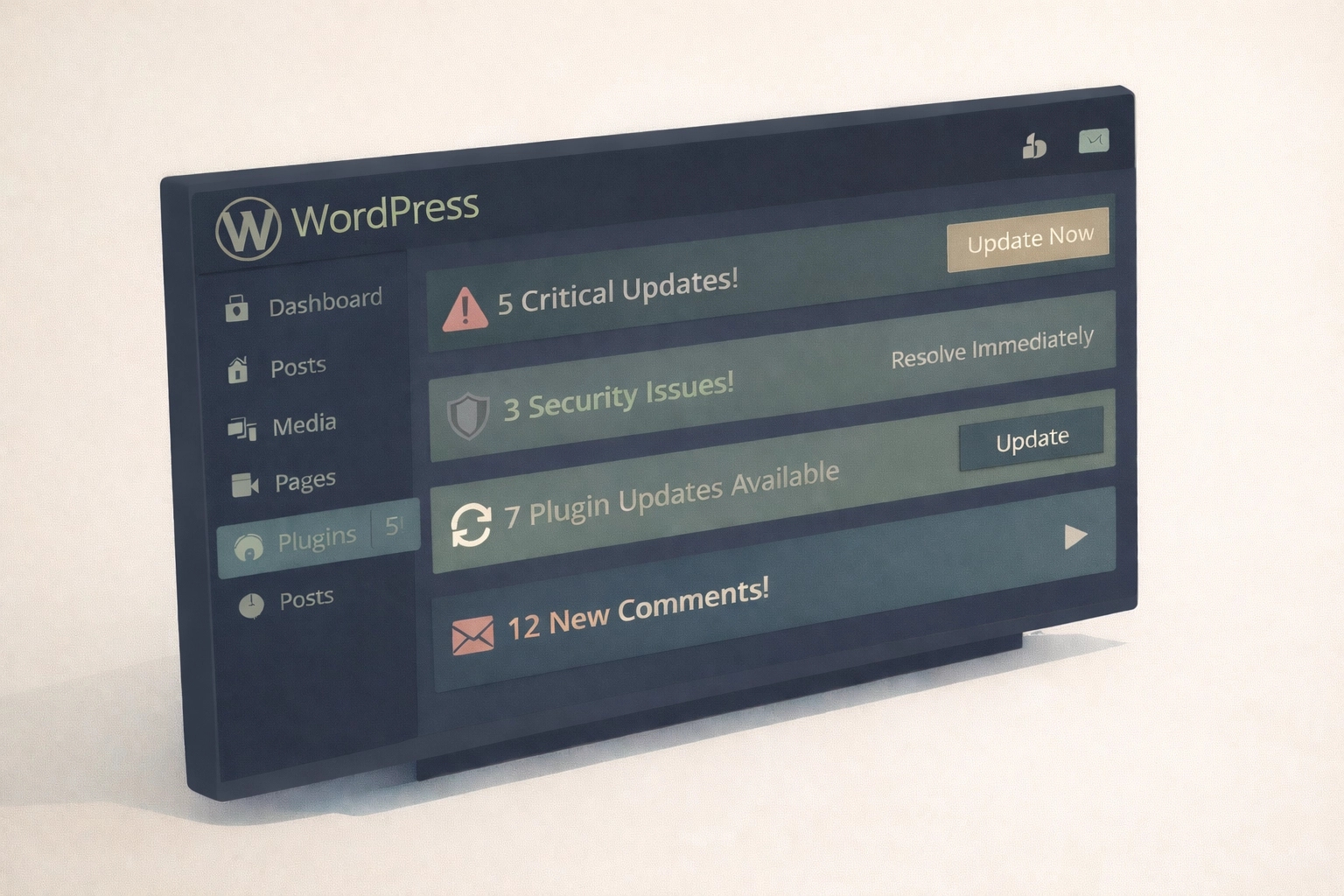
The fix: Check for updates at least once a week. If you’re running a WordPress site (and let’s be honest, most small businesses are), this takes five minutes max. Better yet? Set up automatic updates for minor patches and manually review major updates before hitting that button. And always: always: backup your site before updating anything.
If this sounds like a hassle, it’s exactly why website maintenance plans exist. Think of it as having a mechanic on speed dial instead of Googling “why is my car smoking” at 2 a.m.
2. You’re Not Backing Up Your Site (Or You’re Backing It Up Wrong)
Let me paint you a picture: You wake up tomorrow, grab your coffee, and open your website. Instead of your homepage, you see a blank screen. Or worse: someone else’s content. Your hosting provider shrugs. Your developer moved to Bali. And you have no backup.
Why it matters: Server crashes happen. Hackers happen. Accidental deletions happen (we’ve all clicked the wrong button). Without a recent backup, you’re starting from scratch: losing months or years of content, customer data, and SEO progress.
The fix: Set up automated daily or weekly backups using plugins like UpdraftPlus or BackupBuddy. Here’s the key: don’t just store backups on your server. That’s like keeping your only house key inside the house. Save copies to cloud storage (Google Drive, Dropbox) or an external hard drive.
And test your backups once a month. Download one and make sure you can actually restore it. A backup you can’t use is just digital clutter.
3. You’re Treating Security Like an Afterthought
“Who’d want to hack my little business site?” is something people say right before they get hacked.
Why it matters: Cybercriminals aren’t targeting you specifically: they’re using bots to scan thousands of sites for easy vulnerabilities. A hacked site can mean stolen customer data, blacklisted search rankings, and a big “This site may harm your computer” warning that tanks your credibility overnight.
The fix: Start with the basics. Use strong, unique passwords for your admin accounts (not “password123”). Enable two-factor authentication so even if someone guesses your password, they still can’t get in.
Install an SSL certificate if you haven’t already: that little padlock in the browser bar isn’t just for show. It encrypts data between your site and visitors, which Google also rewards with better rankings.
Finally, add a security plugin like Wordfence or Sucuri. These scan for malware, block suspicious login attempts, and alert you to vulnerabilities before they become disasters. It’s like having a security system that actually works.
4. Your Website Loads Slower Than a Dial-Up Modem
You know that feeling when you click a link and… nothing happens? You wait. You click again. Still nothing. You give up and leave.
Your visitors are doing the same thing.
Why it matters: Google found that 53% of mobile users abandon sites that take longer than three seconds to load. Slow sites also rank lower in search results, meaning fewer people find you in the first place. It’s a double whammy.
The fix: Start by optimizing your images. That 5MB photo from your phone? It’s gorgeous, but it’s killing your load time. Compress images to under 200KB using tools like TinyPNG or WordPress plugins like Smush.
Enable caching, which stores a static version of your site so it doesn’t have to rebuild from scratch every time someone visits. Most hosting providers offer this, or you can use plugins like WP Rocket.
Consider a Content Delivery Network (CDN) like Cloudflare, which serves your site from servers closest to your visitors. The shorter the distance, the faster the load.
Bottom line: speed is a feature. If your site feels sluggish, it’s time for a tune-up.
5. You’ve Got Broken Links and 404 Errors Everywhere
Nothing screams “this business is out of business” like clicking a link and landing on a 404 error page.
Why it matters: Broken links frustrate users and hurt your SEO. When Google’s crawlers find too many dead ends, they assume your site is outdated or poorly maintained: and your rankings drop accordingly.

The fix: Run a monthly link audit using tools like Google Search Console, Screaming Frog, or the Broken Link Checker plugin. These scan your entire site and flag broken internal links, external links, and missing images.
For links that genuinely no longer exist, set up 301 redirects to send visitors (and search engines) to the most relevant replacement page. If you deleted a service page, redirect it to your main services page. Don’t just let it 404 into oblivion.
6. Your Site Looks Terrible on Mobile (And You Didn’t Even Know)
More than 60% of web traffic comes from mobile devices now. If your site only looks good on a desktop monitor, you’re losing the majority of your audience.
Why it matters: Google uses mobile-first indexing, which means it ranks your site based on the mobile version. A site that’s clunky or unreadable on phones will tank in search results: even for desktop users.
The fix: First, test your site. Go to Google’s Mobile-Friendly Test and enter your URL. If it fails, you’ve got work to do.
Modern WordPress website design should use responsive themes that automatically adjust to different screen sizes. If your theme is from 2015, it might be time for a website redesign.
Also check your buttons and links: are they big enough to tap with a thumb? Is your text readable without zooming? Mobile optimization isn’t optional anymore. It’s survival.
7. You’re Flying Blind Without Analytics
If you’re not tracking what’s happening on your site, you’re guessing. And guessing is expensive.
Why it matters: Without analytics, you don’t know which pages are popular, where visitors are leaving, or whether your contact form is actually working. You can’t improve what you don’t measure.
The fix: Set up Google Analytics (it’s free) and connect it to your site. This gives you a dashboard showing traffic sources, page views, bounce rates, and user behavior.
Install Google Search Console too: it shows which keywords bring people to your site, flags technical issues, and alerts you to security problems.
Check these tools monthly. Look for patterns. If everyone’s bailing on your pricing page, maybe it’s confusing. If your blog posts get tons of traffic but zero conversions, maybe your call-to-action needs work.
Data tells you where to focus your energy: and your budget.
The Bottom Line: Maintenance Isn’t Sexy, But It’s Essential
Look, I get it. Website maintenance isn’t as exciting as launching a new design or running a marketing campaign. But ignoring it is like buying a sports car and never changing the oil. Eventually, something’s gonna break: and fixing a crisis is way more expensive (and stressful) than preventing one.
If you’re nodding along thinking, “This all makes sense, but I barely have time to run my business, let alone babysit my website,” you’re not alone. That’s exactly why we built our website maintenance service at Smallworks Web Design.
We handle the updates, backups, security monitoring, performance optimization, and broken link fixes: so you can focus on what you actually do best. Your site stays fast, secure, and up-to-date without you lifting a finger.
Want to stop worrying about your website? Let’s talk. We’ll take website headaches off your plate so you can get back to running your business.