You’re ready to build a website for your small business, and you’ve narrowed it down to two popular options: WordPress and Squarespace. On one hand, you’ve heard Squarespace is “easy” and “beginner-friendly.” On the other, everyone seems to say WordPress is the “real deal” for serious businesses.
So which one is actually right for you?
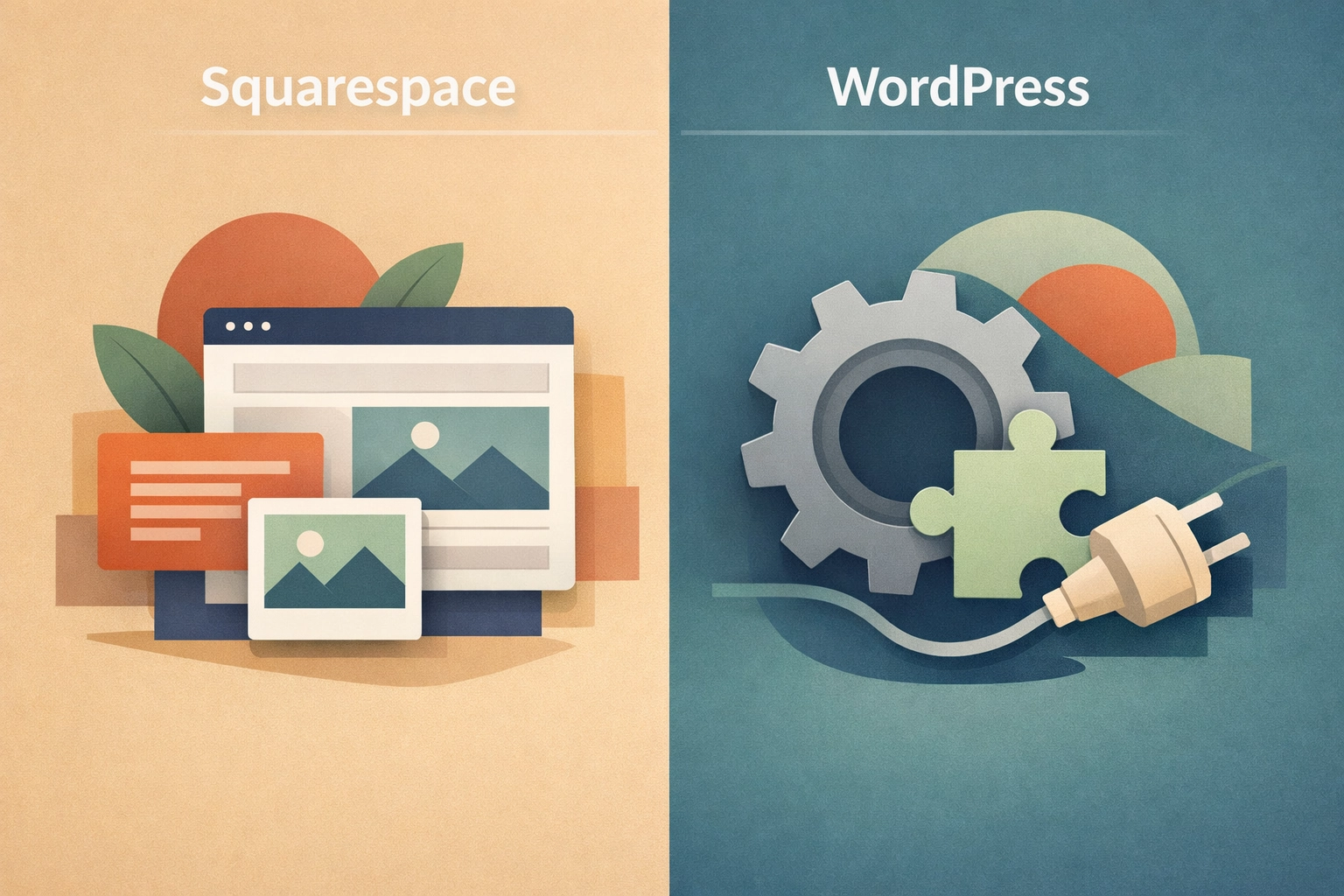
Here’s the truth: both platforms can get you online. But they’re built for very different journeys. Squarespace is like renting a fully-furnished apartment, move in, arrange a few things, and you’re set. WordPress is like owning your own home, more setup, but it’s yours to customize, expand, and grow into exactly what you need.
Let’s break down what that actually means for your small business.
The Real Difference: Control vs. Convenience
Squarespace wins on simplicity. You get an all-in-one package with hosting, security, templates, and customer support bundled together. Click, drag, drop, your site is live. No technical knowledge required, and you’ll never have to think about updates or backups.
WordPress gives you control. The software itself is free, but you’ll need to arrange your own hosting, choose your design, and install plugins to add functionality. It’s more hands-on, but that’s also why it powers 43% of all websites on the internet, from small blogs to Fortune 500 companies.
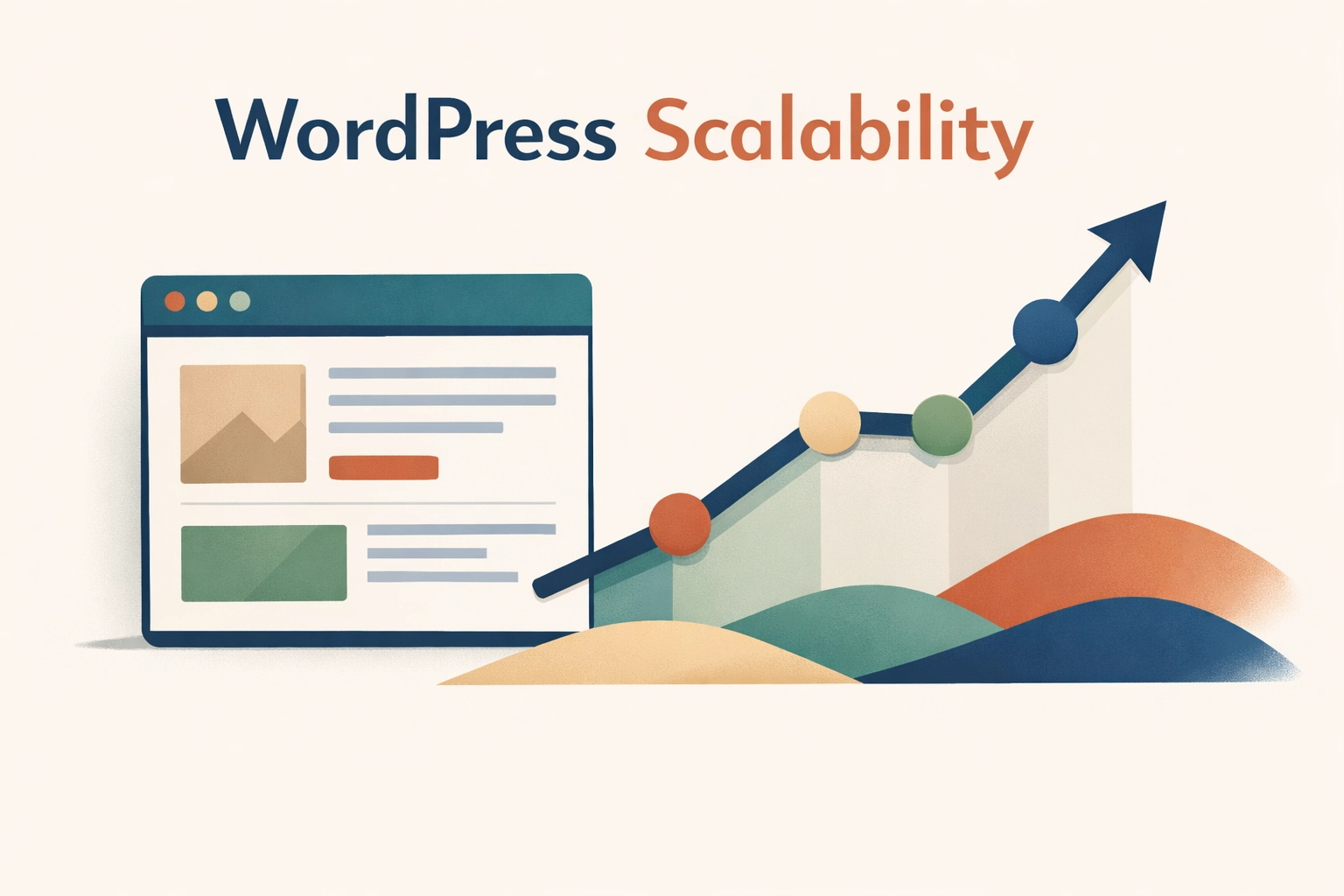
Think of it this way: Squarespace is excellent at helping you start. WordPress is built for helping you scale.
Breaking Down the Cost (It’s Not Just the Monthly Fee)
At first glance, Squarespace looks straightforward: $16–$49 per month for most small businesses, with everything included. No surprise charges, no add-ons to figure out.
WordPress seems cheaper, the software is free, after all. But you’ll pay separately for:
- Web hosting ($5–$50+ per month depending on traffic and performance needs)
- Premium themes (one-time fees ranging from free to $100+)
- Essential plugins for SEO, security, backups, and forms (many are free, some charge $50–$200/year)
Here’s the thing, though: those “extra costs” buy you flexibility. With Squarespace, you’re locked into their pricing tiers forever. With WordPress, you can start small and upgrade your hosting or tools only when your business actually needs them. You’re not paying for features you don’t use yet.
And if you work with a professional web designer who specializes in WordPress website design, like we do at Smallworks Web Design, they’ll set up the essentials for you and recommend only what your business actually needs. No bloat, no guesswork.
SEO: The Long Game That Actually Matters
This is where the gap gets serious.
Squarespace does have basic SEO tools built in. You can edit page titles, meta descriptions, and alt text for images. For a brand-new business just trying to show up on Google, that’s fine.
But here’s what you can’t do on Squarespace:
- Install advanced SEO plugins like Yoast or Rank Math that analyze your content and give real-time optimization suggestions
- Fine-tune technical SEO elements like schema markup, breadcrumbs, or redirects
- Integrate deeply with tools like Google Search Console or third-party analytics platforms
- Optimize your site’s load speed with caching and image compression plugins
WordPress web design is built with SEO flexibility from the ground up. Want to rank for local searches in Round Rock? You can add structured data that tells Google exactly where you’re located and what services you offer. Need to track which blog posts are driving conversions? You can integrate heat-mapping tools, A/B testing, and detailed analytics.
Bottom line: if you’re serious about being found online, not just existing online, WordPress gives you the tools to compete.
Customization: Templates vs. True Flexibility
Squarespace offers about 190 polished templates. They’re beautiful, modern, and designed by professionals. You can tweak colors, fonts, and layouts within the visual editor. For many small businesses, especially creative professionals, consultants, or service providers, that’s more than enough.
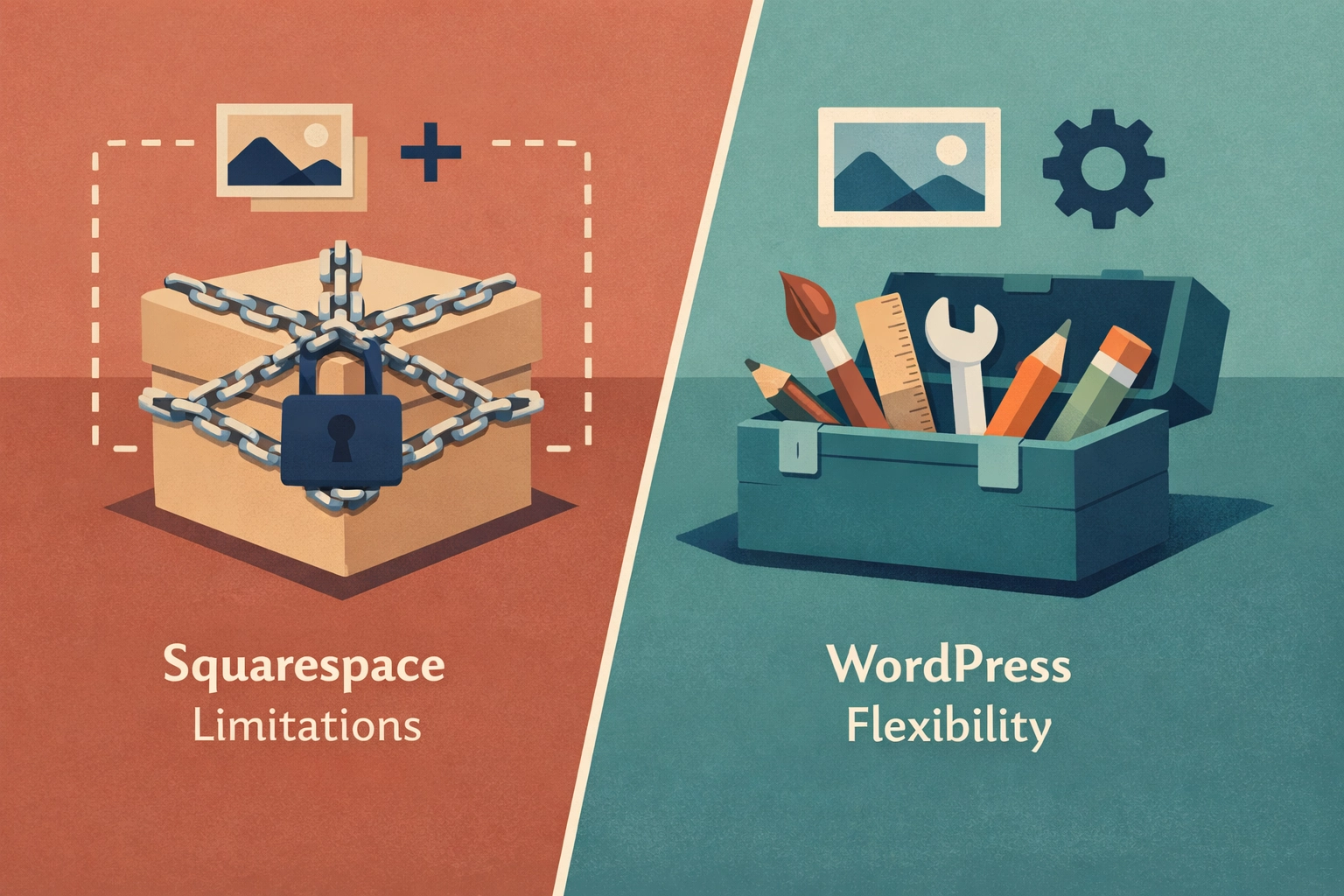
But here’s where you hit the ceiling: you can’t change the underlying structure. If a template doesn’t do something you need, you’re out of luck. Custom forms? Limited. Advanced booking systems? You’ll need to use Squarespace’s approved integrations or nothing at all.
WordPress gives you thousands of themes and page builders like Elementor or Beaver Builder that let you design pixel-perfect layouts without writing code. And if you do have a developer? They can access the backend and build literally anything you can imagine.
Need a membership site? Custom ecommerce checkout flow? A client portal? WordPress can do it. Squarespace can’t, at least not without serious workarounds.
The “Set It and Forget It” Myth
One of Squarespace’s biggest selling points is that it handles all the technical stuff for you. Updates? Automatic. Security patches? Done. Backups? Included.
That sounds amazing, and for some businesses, it is.
But here’s what they don’t tell you: you have zero control if something breaks. If Squarespace has downtime, you wait. If they change a feature you rely on, you adapt. If they decide to increase pricing or discontinue a tool, you’re stuck.
WordPress requires maintenance, yes. You’ll need to update plugins, monitor security, and run backups. But that’s where professional website maintenance comes in. At Smallworks, we handle all of that for you, updates, backups, security monitoring, and uptime checks, so you get the flexibility of WordPress without the headache.
You own your site. You control your data. And if you ever want to switch hosting providers or designers, you can. Try doing that with Squarespace.
When Squarespace Actually Makes Sense
Let’s be fair: Squarespace isn’t a bad choice for everyone.
Choose Squarespace if:
- You’re launching a simple portfolio, personal blog, or one-page site
- You need to go live this week and have zero technical help
- Your business model is unlikely to change or grow significantly
- You’re selling a small number of physical products and don’t need complex inventory management
It’s a solid option for getting something professional-looking online quickly. No shame in that.
When WordPress Is the Smarter Investment
Choose WordPress if:
- You want your website to grow with your business over the next 5–10 years
- SEO and organic traffic matter to your business model
- You need custom features, integrations, or workflows
- You plan to publish regular content (blogs, case studies, portfolios)
- You want to own your website, not rent it
For most small businesses in Central Texas and beyond, WordPress is the platform that keeps giving. It scales with you, adapts to your needs, and doesn’t lock you into someone else’s ecosystem.
The Bottom Line: Renting vs. Owning Your Online Presence
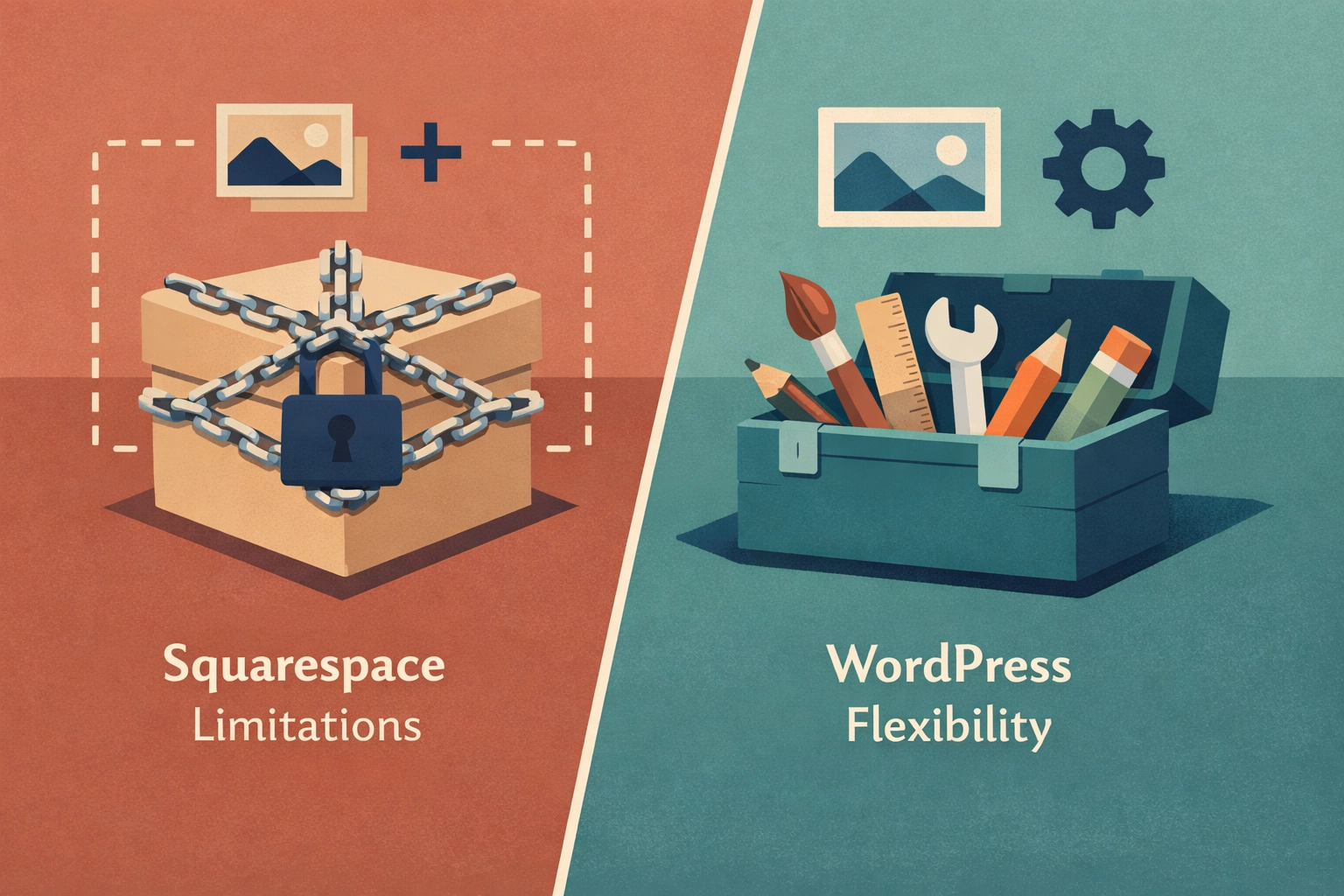
Squarespace is renting. You’re paying for convenience, but you’re also accepting limitations. For some businesses, that trade-off works.
WordPress is ownership. Yes, it requires a bit more setup and ongoing care: but you’re building an asset that grows in value. You’re not stuck with someone else’s rules, pricing changes, or feature restrictions.
And here’s the best part: you don’t have to figure it out alone. A skilled web designer who specializes in small business web design can build you a custom WordPress site that’s just as easy to update as Squarespace, but infinitely more powerful under the hood.
That’s exactly what we do at Smallworks Web Design. We handle the technical setup, design a site that reflects your brand, optimize it for search engines, and provide ongoing support so you never feel stuck. You get all the benefits of WordPress: flexibility, SEO power, scalability: without needing to become a developer yourself.
Ready to Build a Website That Actually Works for Your Business?
If you’re tired of cookie-cutter templates and ready for a WordPress website design that puts you in control, let’s talk. Whether you’re starting from scratch or ready for a website redesign, we’ll build you something that’s built to last: and built to grow.
Get in touch and let’s map out what your business actually needs. No pressure, no jargon: just honest advice and a plan that makes sense for where you’re headed.