You’re likely wearing about five different hats today. Between managing clients, handling inventory, and trying to keep your social media from looking like a ghost town, your website often feels like another “to-do” that never quite gets the attention it deserves. You know it needs updates, you know the content should be fresher, and you know there are leads falling through the cracks: but there just aren’t enough hours in the day.
This is where the conversation usually turns to AI. But I’m not talking about those generic, robotic-sounding blog posts that everyone can spot from a mile away. I’m talking about building a smarter workflow.
In 2026, integrating AI into your small business website isn’t about replacing your voice; it’s about building a 24/7 marketing and administrative machine that handles the repetitive “grunt work” so you can get back to the work you actually love. At Smallworks Web Design, we’ve seen how a few intentional shifts in how you manage your site can save you hours every single week.
Define Your “Why” Before You Click “Buy”
It is incredibly easy to get shiny object syndrome with AI tools. You see a new app that promises to “revolutionize your business,” and suddenly you’re paying for three different subscriptions you don’t know how to use.
The secret to a successful AI workflow is starting with clear, quantifiable goals. Instead of saying “I want to use AI for my site,” try saying, “I want to reduce my lead response time from four hours to fifteen minutes.” Or, “I want to turn my customer reviews into SEO-friendly social snippets automatically.”
When you have a specific target, the tools you need become obvious. Whether you are looking for website maintenance help or a full strategy for local SEO services, knowing your objective is the first step toward efficiency.

Streamlining the Lead Capture-to-Client Pipeline
Think about the last time someone filled out a contact form on your site. Did they have to wait for you to finish a meeting, check your email, and manually type a response? In that window of time, they might have already moved on to your competitor.
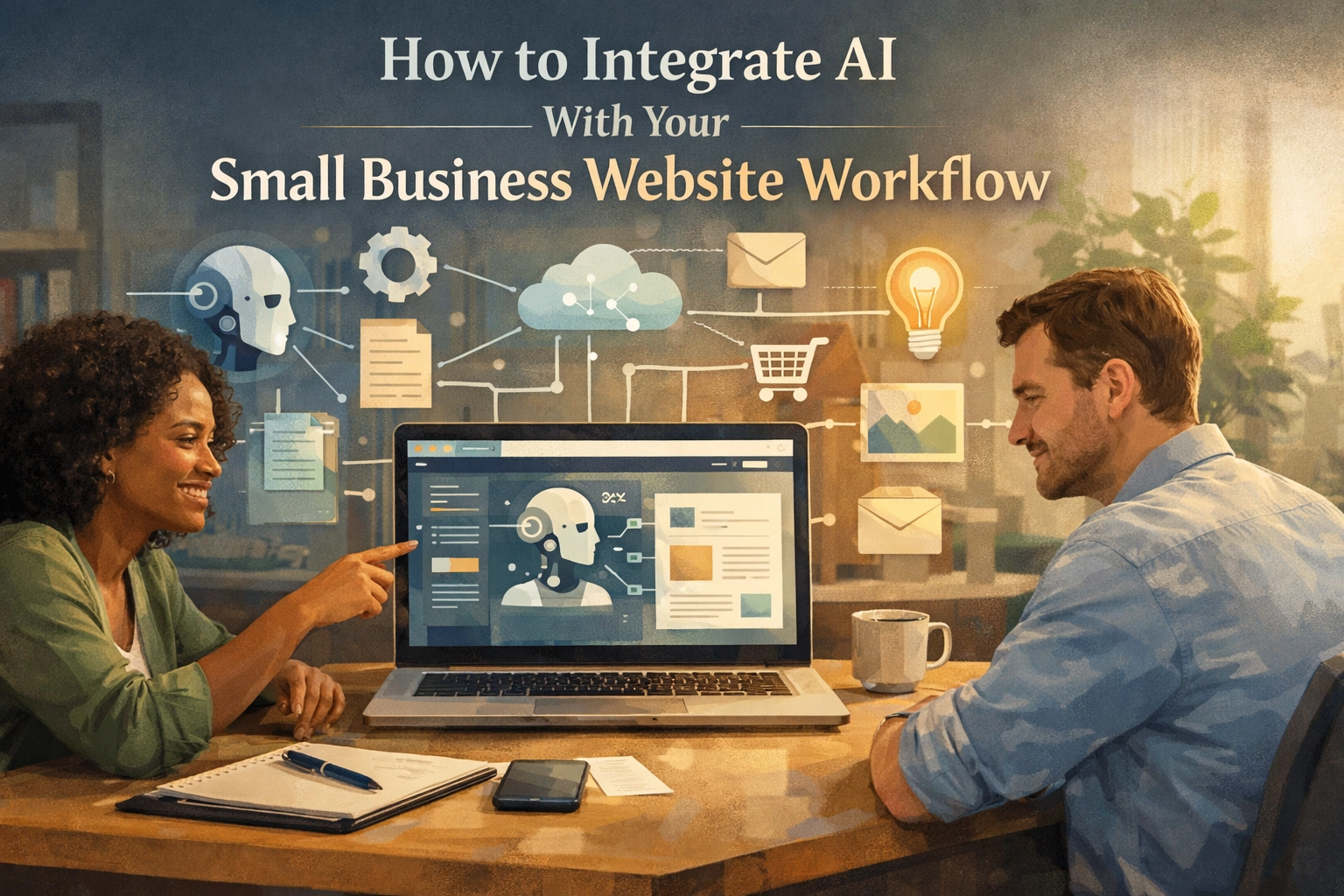
By integrating AI into your lead capture process, you can create a “triage” system. Here is how that looks in practice:
- The Capture: A visitor uses one of your floating contact buttons to ask a question about pricing.
- The Triage: An AI layer (integrated via a tool like Zapier or Activepieces) reads the inquiry. It recognizes it’s a “pricing” question and not a “support” request.
- The Action: The AI automatically sends a friendly, personalized email with your PDF price guide and a link to schedule a call. Simultaneously, it adds them to your CRM and tags them as a “High-Intent Lead.”
This entire process happens in seconds, without you lifting a finger. You aren’t losing the personal touch; you’re just making sure the “boring” part of the hand-off is handled instantly.
Personalization at Scale: The 2026 Standard
One of the biggest shifts we’ve seen in WordPress website design this year is the move toward personalization at scale. In the past, showing different content to different users was a technical nightmare that only giant corporations could afford.
Now, AI tools can analyze how a visitor interacts with your site and adjust the experience in real-time. If a recurring customer from Austin lands on your homepage, your site can highlight local specials or services relevant to their past behavior.
This isn’t just “cool tech”: it’s a conversion powerhouse. When a visitor feels like a website understands their needs, they are far more likely to stick around. Imagine your website acting as a digital concierge, guiding people toward the exact solution they need based on their browsing patterns.
Using AI to Fuel Your Local SEO
We all know that reviews are the lifeblood of small business. But most owners forget that those reviews are also incredible SEO fuel.
Integrating AI into your review management workflow can change the game for your SEO services for small business. You can set up a workflow that:
- Monitors your Google Business Profile for new reviews.
- Uses AI to draft a personalized response that mentions your specific services (e.g., “Thanks for the kind words about our WordPress website design in Round Rock!”).
- Extracts the key praise from the review and automatically formats it as a “Testimonial” block on your website.
This keeps your site content fresh and signals to search engines that your business is active and highly rated. It turns a manual chore into a self-sustaining loop that boosts your rankings while you sleep.

Content Creation Without the Burnout
The “Search Everywhere” era is here. People aren’t just Googling; they’re searching on TikTok, Pinterest, and through AI-powered search overviews. Staying visible means you need to produce content, but you shouldn’t have to be a full-time writer to do it.
The key to small business web design in 2026 is using AI as a collaborator. You can take a five-minute voice memo of yourself explaining a project you just finished and use AI to:
- Transcribe it into a structured case study.
- Generate an SEO-optimized meta description.
- Create three social media captions to promote the post.
- Suggest internal links to other pages, like your web design services page.
You provide the expertise and the “human” insight; the AI handles the formatting and the distribution. This ensures your site stays relevant and helps you show up in AI overviews without requiring you to spend your entire weekend at a keyboard.
The “Pilot Program” Approach
If this sounds like a lot to take on, don’t worry. You don’t have to automate your entire business by Monday. In fact, the most successful integrations start small.
Start with a 30-day pilot program. Pick one specific pain point: maybe it’s your contact form follow-ups or your blog image sourcing: and automate just that. See how much time it saves you. Once you feel comfortable, move on to the next.
At Smallworks Web Design, we specialize in helping local brands navigate these updates. Whether you’re looking for a website redesign that builds these tools in from day one or you need help optimizing your current site, the goal is always the same: making your website work for you, not the other way around.

Bridging the Gap Between Tech and Human Connection
There’s a common fear that using AI will make a small business feel cold or “corporate.” But when used correctly, the opposite is true. By automating the data entry and the “status update” emails, you actually free up more time for real human connection.
When you aren’t bogged down in the backend of your WordPress site, you can spend more time on the phone with clients, more time perfecting your craft, and more time growing your community.
Think of AI as the ultimate assistant: one that never sleeps, never misses a lead, and is constantly looking for ways to make your business shine online.
Is your website currently a passive digital brochure, or is it a dynamic part of your team? If you’re ready to stop shouting into the void and start building a workflow that compounds over time, it might be time to look at how 2026 web design trends can work in your favor.
The tools are here. The tech is accessible. Now, it’s just about taking that first step toward a more efficient, AI-powered future for your small business.