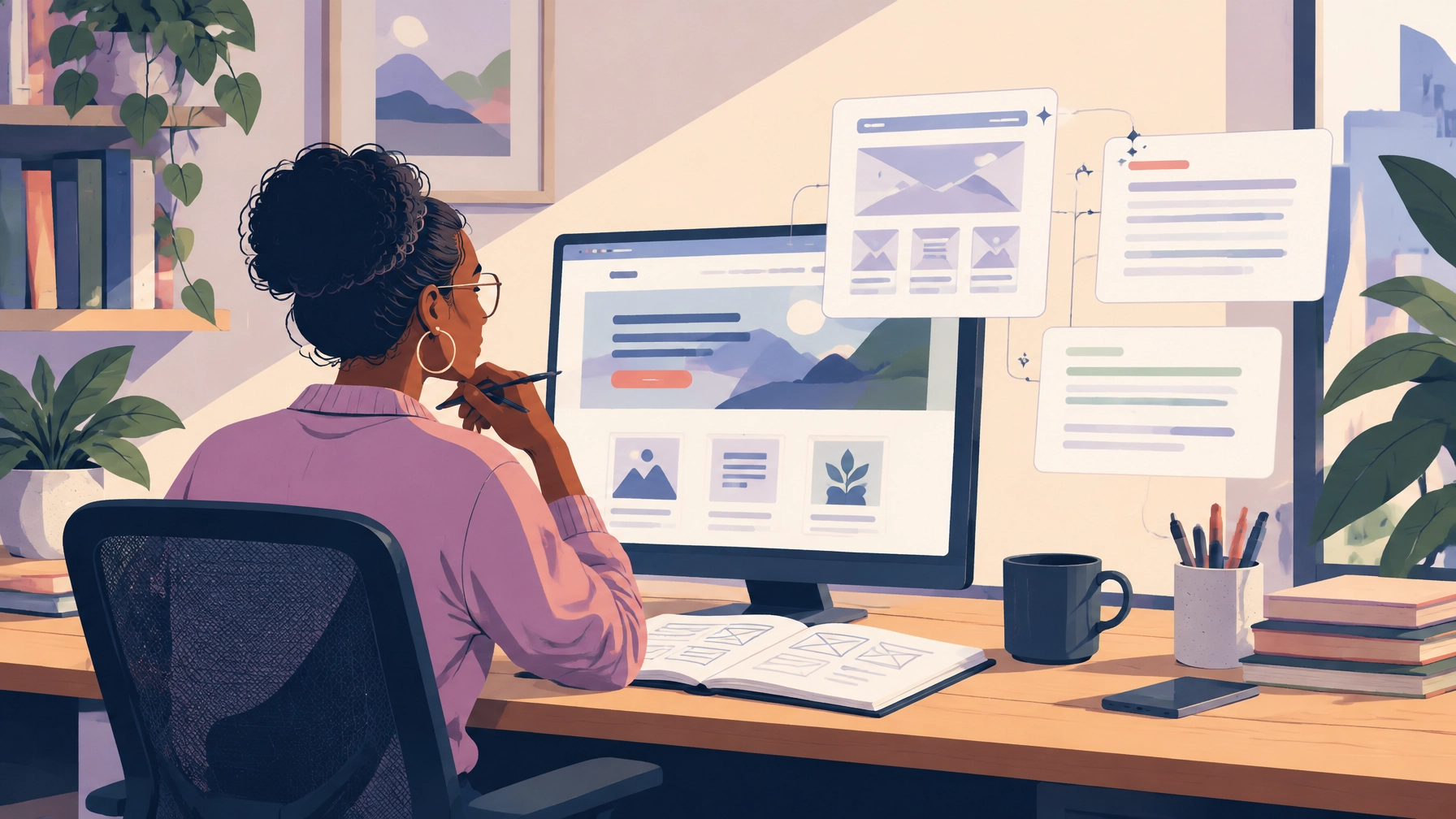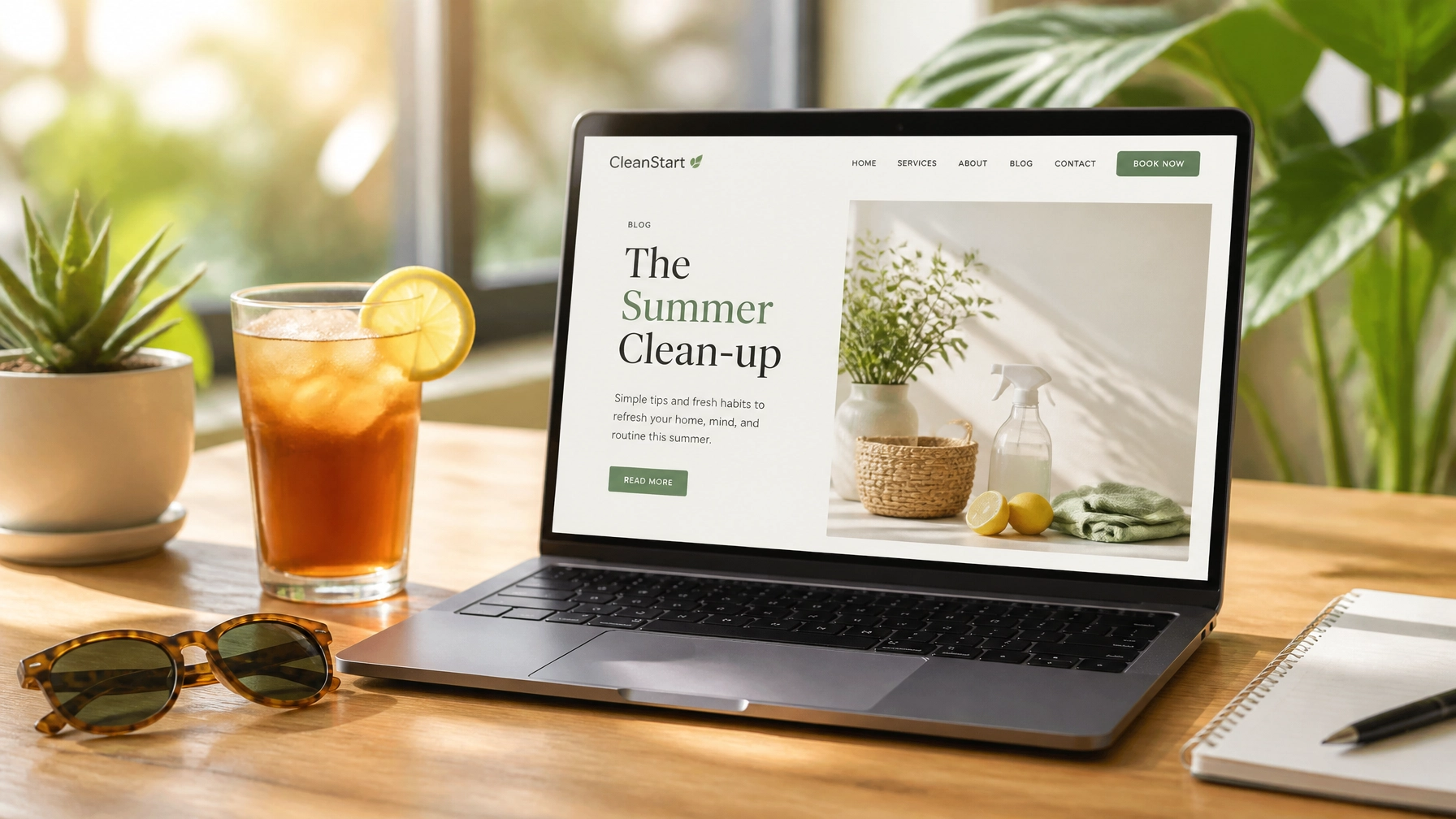

You’ve probably felt that sinking feeling when you click a link on your own site and it leads to a “404 Not Found” page. Or perhaps you’ve noticed that your site feels just a little bit sluggish lately, taking a few extra seconds to load while your competitors’ pages snap into view instantly. We get it. Running a small business is a marathon, and often, the technical health of your website falls to the bottom of the “to-do” list.
But here’s the truth: your website is your 24/7 salesperson. In 2026, it’s not just a digital brochure; it’s an interactive experience that either builds trust or drives people away in seconds. If your salesperson showed up to a meeting with a coffee-stained shirt and outdated brochures from 2022, you’d be worried. Website maintenance is essentially making sure your digital salesperson stays sharp, professional, and ready to close the deal.
The good news? You don’t always need a total website redesign to stay relevant. Often, a disciplined “Fix-It” list can breathe new life into your current setup, saving you money while boosting your small business web design performance.
Why Maintenance is the New Redesign
Most owners think they need a brand-new site every two years. While trends do change, a lot of the frustration businesses feel with their sites comes from poor upkeep rather than bad design. Before you go down the road of a full overhaul, it’s worth asking: is your website redesign worth it?
In 2026, the focus has shifted from “flashy” to “functional.” Modern users value speed, accessibility, and clear communication. By following a structured maintenance plan, you’re not just fixing bugs: you’re performing local SEO services in disguise. Search engines love fresh, fast, and error-free websites.

The Weekly Essentials: Staying Ahead of the Curve
Think of weekly maintenance like taking the trash out. It’s a quick task that prevents a much larger, stinkier problem down the line. If you ignore these, you’re basically inviting technical debt to move in and get comfortable.
- Run Broken Link Scans: A single broken link can kill a conversion. Use tools to find 404 errors and redirect them to active pages.
- Malware Scans & Security: Cyber threats are more sophisticated in 2026. A weekly scan ensures your data (and your customers’ data) stays safe.
- Verify Your Backups: Don’t just assume they’re working. Check that your automated backups are actually being stored off-site.
- Check Your Uptime: If your site goes down for an hour while you’re running an ad campaign, that’s money out the door. Monitor your hosting performance religiously.
The Monthly Deep Dive: Performance and Security
Once a month, you need to look under the hood. This is where WordPress website design owners often get tripped up. Because WordPress is so popular, it’s a frequent target for updates: and for hackers if those updates are ignored.
Update Everything (Carefully)
Outdated software is the most common way small business websites get compromised. Update your WordPress core, your plugins, and your themes. But a word of advice: always backup your site before hitting that update button. Compatibility issues can occasionally “break” your layout, and you want a quick way to revert if things get weird.
Test Your Forms
This is the most overlooked part of website maintenance. Imagine a customer tries to reach out to you, fills out your contact form, hits submit, and… nothing happens. No email hits your inbox. The customer thinks you’re ignoring them, and you have no idea they ever existed. Test your contact forms, newsletter sign-ups, and checkout flows every single month.
Audit Your Speed
In 2026, a site that takes longer than two seconds to load is essentially invisible. Use Google PageSpeed Insights to see where you’re lagging. Often, the fix is as simple as compressing images or enabling “lazy loading” so the site doesn’t try to load every element at once.

The 2026 ‘Fix-It’ List: Repairs Before the Redesign
If you’ve been feeling like your site looks a bit dated, don’t panic. You can implement several 2026 web design and SEO trends without starting from scratch. Here is your “Fix-It” list to modernize your current site:
1. Optimize for “Search Everywhere”
SEO isn’t just about Google anymore. People are searching on TikTok, AI platforms, and via voice assistants. Ensure your content is structured with clear headers and schema markup so these “non-Google” search engines can find you. This is a core part of modern SEO services for small business.
2. Clean Up Your Visuals
Are you still using heavy, neon colors or cluttered layouts? 2026 is all about minimalist palettes and dark mode options. You can often update your site’s look just by changing your global CSS colors and swapping out old stock photos for more natural, high-quality imagery. Check out these visual trends for inspiration.
3. Refresh Your Hero Section
If your homepage header is a giant, slow-loading video that says “Welcome to our website,” it’s time for a change. The 2026 trend is moving toward text-only hero sections or very simple, high-impact messaging. Tell your visitors exactly what you do and what problem you solve within the first three seconds.
4. Accessibility Check
Web accessibility isn’t just a “nice to have” anymore; it’s a necessity. Ensure your font sizes are readable, your color contrast is high enough, and your images have alt-text. This doesn’t just help users with disabilities: it actually helps your SEO ranking, too.
5. Mobile-First Speed
Most of your local traffic is likely coming from a phone. If your mobile site is just a “shrunken down” version of your desktop site, it’s going to be slow. Simplify your mobile menus and ensure buttons are large enough for thumbs to tap easily.
Turning Feedback into Rankings
One of the most powerful tools in your local SEO services toolkit is your customer feedback. Maintenance isn’t just about code; it’s about content.
Are you regularly adding your latest Google Reviews to your website? In 2026, reviews act as “SEO fuel.” They provide social proof for humans and fresh, relevant keywords for AI-driven search engines. If you haven’t updated your “Testimonials” page in six months, add it to your monthly fix-it list immediately.

Security: Building Trust Through Data Safety
We can’t talk about maintenance without talking about privacy. With new data regulations and a general public that is more tech-savvy than ever, your customers need to know their data is safe with you.
- SSL Certificates: Ensure yours hasn’t expired. That “Not Secure” warning in the browser bar is the fastest way to lose a lead.
- Limit Admin Access: Does your former intern still have admin access to your WordPress backend? Do a quarterly audit of user permissions and remove anyone who doesn’t absolutely need to be there.
- Strong Passwords & 2FA: It sounds basic, but “Password123” is still a leading cause of site breaches. Force two-factor authentication for all admin logins.
When is it Time to Call the Pros?
Maintenance is a bit like car care. You can check your own oil and top off your windshield fluid, but occasionally, you need a mechanic to look at the engine.
If you find that your “Fix-It” list is growing longer than your actual work tasks, or if you’re seeing 5 signs your small business website is outdated, it might be time to look into professional web design services.
At Smallworks Web Design, we specialize in helping local brands in places like Austin, Round Rock, and Georgetown navigate these technical hurdles. Whether you need a simple tune-up or a more robust WordPress website design strategy, we focus on creating websites that don’t just look pretty: they work hard for your business.
Final Thoughts: Proactive vs. Reactive
The best website maintenance advice you’ll ever get is this: Be proactive.
Don’t wait for your site to crash or for your traffic to drop to zero before you pay attention to it. Set a recurring calendar invite for yourself: just 30 minutes a week: to run through the basics.
By keeping your site healthy, fast, and secure, you’re doing more than just “fixing” things. You’re building a foundation for growth, ensuring that when the next big trend in small business web design arrives, you’re ready to pivot instead of scrambling to catch up.
Your website is an investment. Treat it like one, and it will continue to pay dividends long after the initial launch. Ready to get started on that list? Your future customers (and your bottom line) will thank you.